OBS Multistreaming Guides for Cam Models
Everything you need to know about broadcasting to Chaturbate, Stripchat, MyFreeCams, CamSoda, BongaCams, Cam4 and OnlyFans at the same time. These guides cover the technical setup (OBS settings, cloud multistreaming, bandwidth limits) and the platform rules (exclusivity, private shows, away screens) so you can run several rooms from one stream and stay within each site's rules.
Whether you are just starting to cam or looking to scale your traffic by adding a second or third platform, you'll find step-by-step instructions and verified platform rules below. We pull the encoder limits each site publishes, cite the source, and work out what a single broadcast has to be set to when several of those sites disagree.
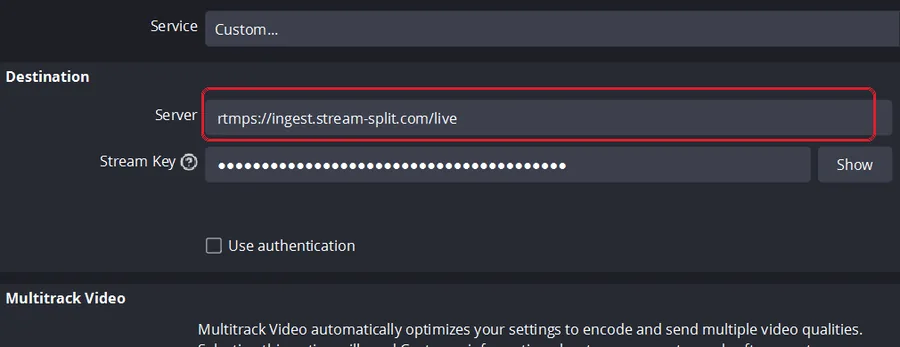
Cam splitting: how to stream to different sites at once
The complete, step-by-step guide to cam splitting. How to go live on several sites at once from one OBS stream, and the settings that suit each combination.
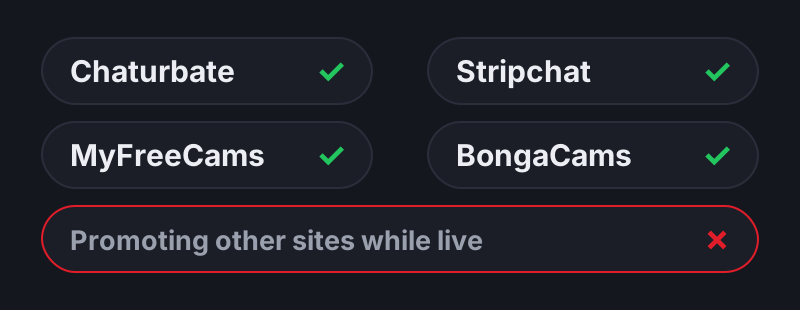
Can you stream on multiple cam sites at once?
We read the official terms so you don't have to. A site-by-site breakdown of the rules for Chaturbate, Stripchat, CamSoda, Cam4, BongaCams and MyFreeCams, explaining the crucial difference between broadcasting on another site and promoting another site.
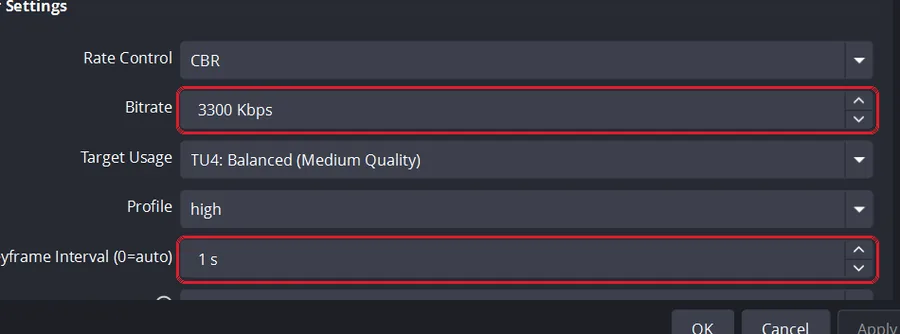
Best OBS settings for cam streaming
One OBS setup that works on every cam site: the exact fields for your encoder, the 720p option for a weaker connection, and why we use a 1-second keyframe.
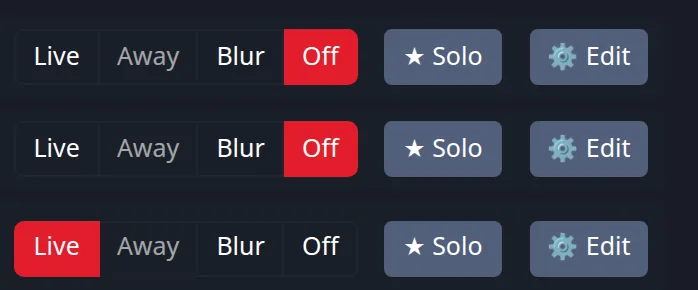
Private shows while multistreaming
What happens when a private starts on one site? Learn the platform rules for exclusive shows and discover the one-click way to handle the swap, keeping your best room live while automatically parking the others.
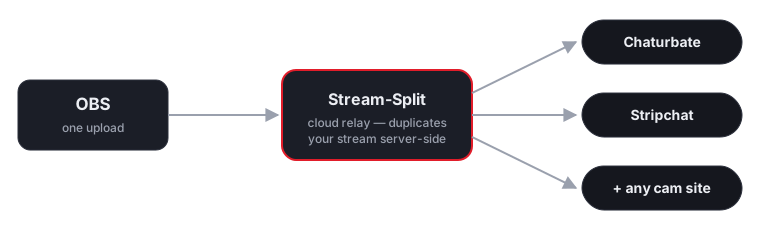
Stream-Split vs local OBS multistreaming
A technical side-by-side comparison of using a cloud service versus multistreaming directly from your own PC with OBS plugins. Understand exactly how much CPU, GPU, and upload bandwidth you save.
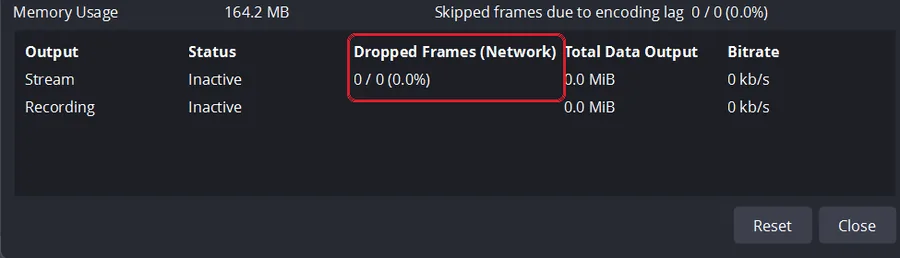
Fix OBS dropped frames & unstable bitrate on cam sites
OBS says everything is fine but your viewers say the stream lags? Learn how to read the OBS Stats window to find out if your computer, your internet, or the cam site is causing the problem.
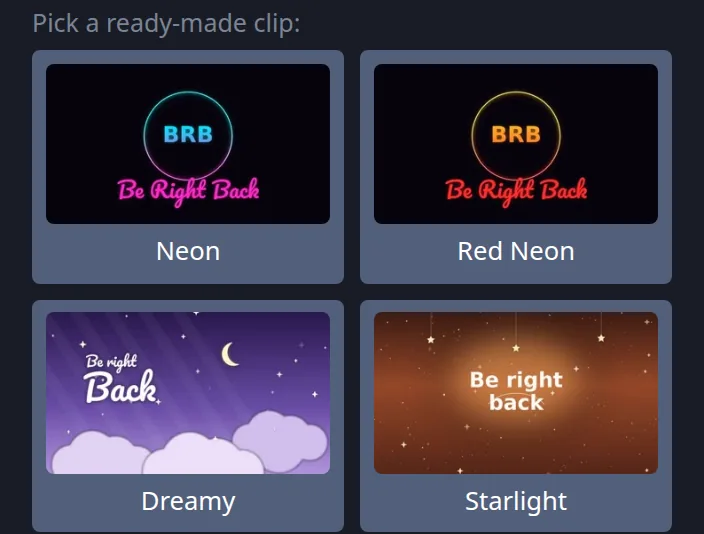
Cam away screen / BRB loop without dropping your stream
Step away from the camera without going offline, losing the room you built up, or broadcasting an empty chair. Learn how a proper away screen works and the best practices for using looping BRB clips.
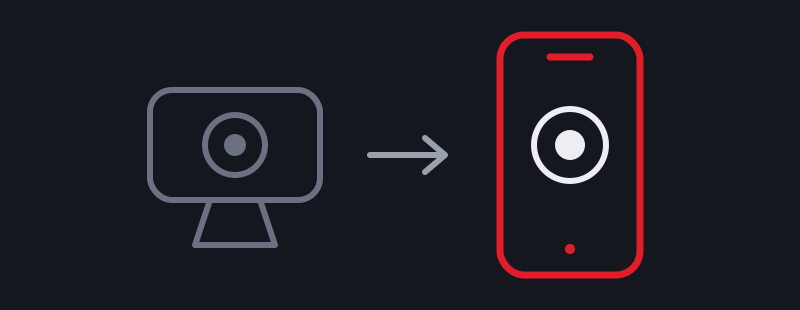
Use your phone as a webcam for cam streaming
A mid-range phone's camera usually beats a budget webcam. Broadcast from it in your phone's browser while you run your room and chat from your laptop — no app, no OBS.
Cam streaming from your browser, without OBS
Go live on every cam site from one Chrome tab: no OBS, nothing to install, no server address or key to paste. How it works, how to start, and when OBS is still better.
Cam Streaming Connection Test
Check your connection to your nearest Stream-Split server before you go live: how fast it answers, and whether it can carry 720p, 1080p or 4K.